Getting Started
all4one is a production-ready React component for building interactive organizational charts with built-in layouts, themes, and editing features like drag-and-drop and undo/redo.
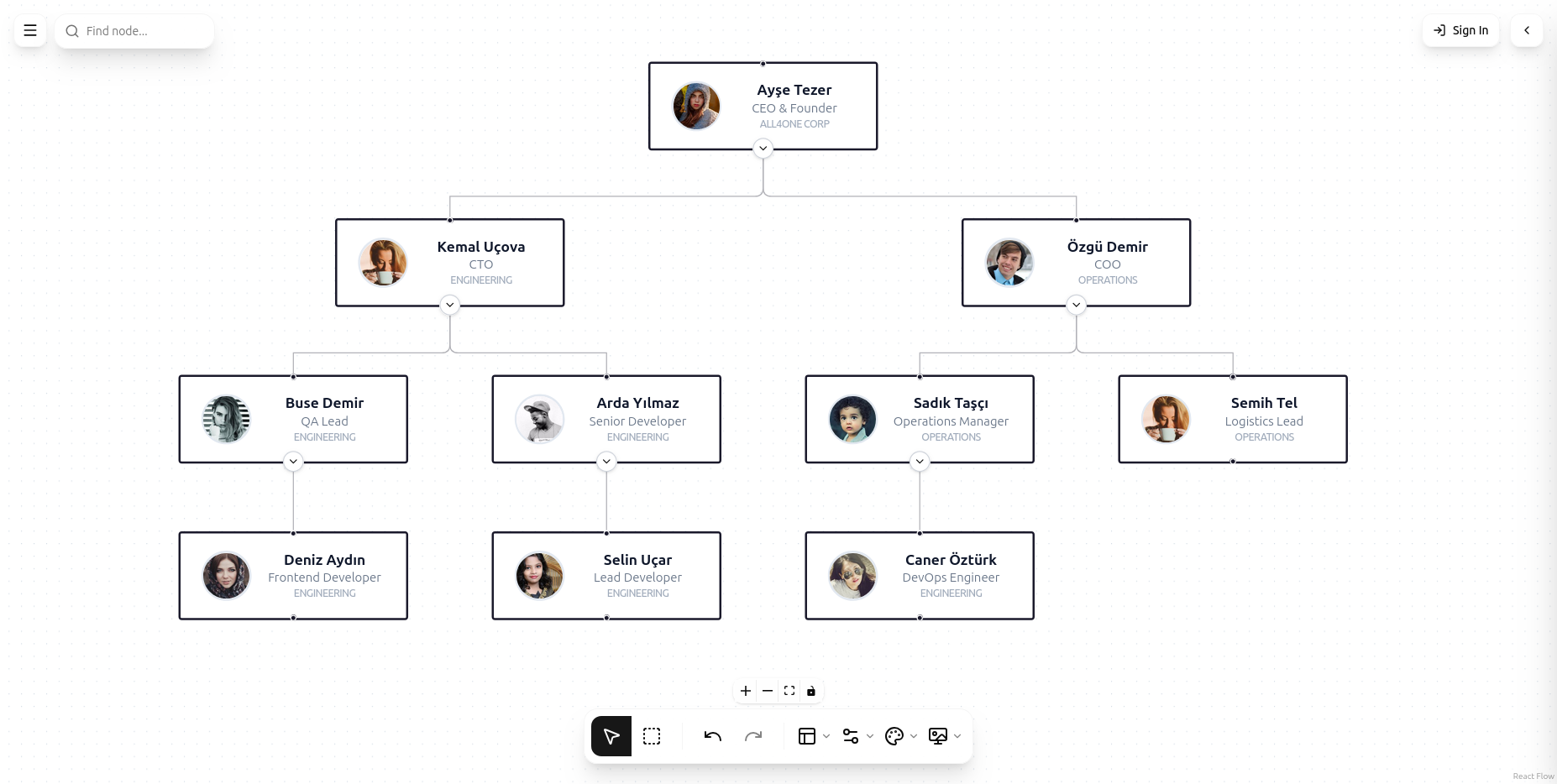
Installation
bash
npm install all4oneNote: As this is a prototype, ensure you have the necessary peer dependencies installed:react, react-dom, @xyflow/react, lucide-react, zustand, tailwindcss.
Basic Usage
To get started, simply import the All4One component and provide it with your organization data.
tsx
import All4One from 'all4one'

const data = {
  nodes: [
    { id: '1', data: { label: 'Ayşe Tezer', positionName: 'CEO' } },
    { id: '2', pid: '1', data: { label: 'Kemal Uçova', positionName: 'CTO' } },
    { id: '3', pid: '1', data: { label: 'Aslı Cevval', positionName: 'VP Sales' } }
  ]
}

function MyChart() {
  return (
    <div style={{ width: '100vw', height: '100vh' }}>
      <All4One data={data} collapsible={true} nodeTheme='modern' layoutStyle='treeLeftOffset' />
    </div>
  )
}
Data Format
The component expects a nodes array where each node can have an optional pid (Parent ID) to define the hierarchy.
Node Structure
id: Unique identifier for the node.pid: (Optional) The ID of the parent node.data:label: Main text displayed on the node.positionName: Subtitle or role.organization: Department or group name.photo: URL to an avatar image....: Any other custom fields you want to store.